-25%

-
In stock
Recommended price
120.68
-25%
90.50
Item number: 19100090


Pay safe and fast with:



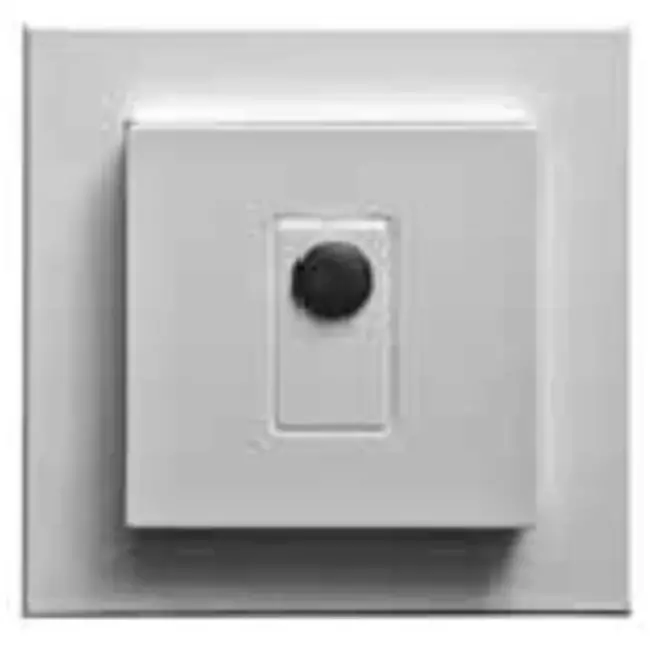
Vasco's motion sensor detects movement close to the sensor. When movement is detected the motion sensor communicates with the ventilation unit via wireless communication (RF). When the signal from the motion sensor reaches the ventilation unit it will automatically activate the medium mode.
When the operating zone is operated for 10 seconds while the status LED is off, the LED starts to flash blue and green to indicate that the user interface (UI) (settings) menu can be used.
The settings menu can be used to configure the time switch. When the settings menu of the user interface (UI) is opened, the current status of the time switch is indicated by the 5 LEDs. Each time the control zone is operated, the next status of the time switch is selected. If the operating zone is not touched for at least 10 seconds, the standby user interface (UI) is automatically activated. When the user interface (UI) menu is exited, the selected position of the time switch is used and saved. The time switch can be used to switch on a lamp. For example, if status level 3 is active, the lamp will light up for 60 seconds after a movement detection.
| Brand | Vasco |
| Category | Vasco parts and accessories |
| GTIN | 5413754971734 |
| Manufacturer's item number | 11VE20021 |
| Article number | 19150119 |
| Category code | 109 |
Item number: 19100090